YouTube Views Stalled: The 7-Point Recovery Checklist
 It’s a weird feeling when your YouTube views just… stop.
Not crash. Not tank. Just stall out. You upload, you share it, you refresh analytics like a maniac, and it sits there. Flat. A slow drip. Meanwhile someone else posts a shaky video of a toaster and it hits 80k.
Usually it’s not one big problem. It’s a stack of small ones that add up.
So here’s the checklist I use when a channel feels “stuck”. It’s not theory. It’s the stuff that actually moves the needle when you work through it in order. And yeah, some of it is boring. That’s kind of the point.
Quick note before we start
A stalled video can mean two different things:
- It’s not getting clicked (impressions are there, CTR is low).
- It’s getting clicked but people leave (retention drops, views don’t expand).
This checklist helps you diagnose which one you’re dealing with, then fix it without randomly changing everything at once.
1) Check the real problem: impressions, CTR, or retention?
Before you redesign your whole channel, open YouTube Studio and look at these for your last 5 to 10 uploads:
- Impressions
- CTR (click through rate)
- Average view duration
- Audience retention graph (the squiggly line)
Here’s how to read it without overthinking:
- Low impressions = YouTube is not even testing your video much.
- Decent impressions but low CTR = packaging issue (title/thumb).
- Good CTR but low retention = content delivery issue (hook, pacing, promise).
- Good retention but still low views = topic is too narrow or distribution is weak.
Write down which one it is. Literally. Don’t trust your gut.
What “good” looks like (roughly)
It depends on niche, but for most channels:
- CTR: 4% to 10% is common. Under 3% is often a red flag.
- Average view duration: if it’s a 10 minute video and people watch 2 minutes, you’ve got work to do.
- Retention: big drop in first 30 seconds is normal. Massive drop is not.
2) Fix the click: rebuild your thumbnail and title as a pair
Most people treat title and thumbnail like separate tasks. They’re one unit. A promise.
If views stalled, your packaging probably isn’t competitive in the feed. Especially if you’re in a crowded niche.
Thumbnail checklist
- Can you understand it in 1 second on mobile?
- Is there one main object and one main emotion?
- Is the text (if any) under 4 words?
- Does it look different from your last 10 thumbnails, or is it the same template again?
Here’s a simple format that keeps working:
- Big subject (face, object, result)
- Clear contrast (light vs dark, warm vs cool)
- One story clue (before/after, arrow, circle, reaction)
Title checklist
A strong title does at least one of these:
- Creates curiosity without being vague
- Makes a clear benefit
- Calls out a specific audience
- Implies a mistake people are making
Examples (rewrite these for your niche):
- “I Tried X for 30 Days, Here’s What Actually Happened”
- “Stop Doing This If You Want More Views”
- “The Simple Setup That Fixed My (Problem)”
Also. Avoid titles that sound like labels:
- “Vlog #12”
- “New Video!”
- “My Thoughts On…”
Nobody is searching for that, and nobody is clicking it cold.
Do this today
Pick one stalled video that had decent impressions but bad CTR. Update the thumbnail and title. Wait 48 to 72 hours. Watch what happens to CTR.
3) Fix the first 30 seconds (because that’s where videos die)
YouTube is brutal about the opening. People decide fast. And your retention graph will tell you the truth.
Most creators lose viewers because they start like this:
- long intro
- “Hey guys welcome back”
- background story
- “Before we begin hit like and subscribe”
- and then finally the point
That structure kills momentum.
A better opening structure
Try this order:
- The outcome (what they will get)
- The proof (why you can help)
- The path (what you’re about to show)
- Then you can do your quick intro, if you still want
Example script shape:
- “In this video I’m going to show you how I doubled my views without changing my niche.”
- “This is the exact upload flow I used on my last 5 videos.”
- “We’ll start with the thumbnail, then the hook, then the retention fix.”
- “Alright. Let’s get into it.”
Short. Direct. No warm up lap.
Retention trick that feels almost unfair
Add a “pattern break” around 20 to 40 seconds. Something changes:
- camera angle changes
- quick on screen text
- a visual example
- you cut out a sentence that doesn’t need to exist
Keep it moving. Viewers don’t reward effort. They reward clarity.
4) Audit your topics. Your niche might be fine, your angles might not
A lot of “stalled views” isn’t the algorithm punishing you. It’s that you’ve drifted into low demand topics.
Here’s an easy way to spot it:
Go to your channel and sort by Most popular. Look for patterns:
- What topics show up repeatedly?
- What formats?
- What promises?
- What audience problem were you solving?
Now compare that with your last 10 uploads. If the recent ones don’t match the patterns, that’s often the stall.
Use the “one sentence test”
Explain your video idea in one sentence. If it sounds like homework, rewrite it.
Bad:
- “I talk about camera settings for beginners”
Better:
- “These 3 camera settings made my videos look expensive overnight”
Same content. Different demand.
Build a simple topic map
You don’t need a content calendar. You need 3 buckets:
- Evergreen help (how to, tutorials, fixes)
- Opinion with stakes (hot takes, comparisons, myths)
- Proof based experiments (I tried, I tested, I built, I failed)
If your last 10 videos are all in one bucket, especially the “tutorial” bucket, views often flatten. Mix it.
5) Diagnose your traffic sources. Don’t guess where views should come from
Open one stalled video and check Traffic source types.
Common scenarios:
Scenario A: Browse is weak
That usually means YouTube isn’t pushing it on home. Often caused by:
- low early CTR
- weak session time (people leave YouTube after watching)
- confusing topic for your audience
Fix: packaging and tighter hook.
Scenario B: Search is weak
That means your title/topic isn’t aligned with queries, or competition is too strong.
Fix: target clearer search intent. Use phrases people actually type. Make the thumbnail still clicky, because search thumbnails matter too.
Scenario C: Suggested is weak
Suggested growth usually happens when:
- viewers watch your video and then keep watching other videos
- your video connects cleanly to another video topic
Fix: create “neighbor videos”. Videos that belong next to each other.
A simple way:
- Make a Part 2, but don’t call it Part 2.
- Make a “next logical step” video.
Example:
- Video 1: “How to write a YouTube hook”
- Video 2: “How to structure the middle so people don’t leave”
- Video 3: “How to end videos so viewers click another one”
Then link them.
6) Refresh your channel flow: end screens, playlists, pinned comments
This part is not sexy, but it’s how you stop bleeding views.
When someone finishes your video, YouTube wants to know what to do with them next. If you don’t guide it, it often ends the session. That hurts distribution.
End screen checklist
- Use one main video recommendation, not two random ones.
- Pick the video that best matches the current topic.
- Mention it verbally in the last 15 seconds, casually. Don’t beg.
Example:
- “If you want the thumbnail template I use, watch this next.”
Pinned comment checklist
Your pinned comment should not be “thanks for watching”.
Make it a bridge:
- link to the next video
- link to a playlist
- ask one specific question to generate comments
Playlist checklist
Most playlists are junk because they’re just “Uploads”.
Build playlists like a path:
- Start Here
- Beginner to Advanced
- Fix Your (Problem)
- My Best Tutorials
And put those playlists on your channel homepage.
7) Add a controlled boost (only after you fix the fundamentals)
Sometimes views stall because the video never gets enough initial momentum to generate real signals. Especially on smaller channels. Or when you’re testing a new format.
After you’ve improved packaging, hook, and topic alignment, a small push can help your video get in front of more real people faster.
This is where a lot of creators look at paid promotion, shoutouts, or external traffic.
If you go the “growth services” route, do it carefully and intentionally. The goal is not fake vanity. The goal is jumpstarting engagement so the content can earn its place.
If you want a straightforward place to do that, Flopey is one option. It’s an SMM panel where you can order things like views, likes, and other engagement across platforms without handing over your password. You just provide a public link, pick quantity, and place the order.
If you’re curious, you can check it out here: https://www.flopey.com/
Important: how to do it without sabotaging your channel
- Don’t boost a weak video. Fix it first.
- Don’t spike to absurd numbers. Keep it realistic.
- Focus on a small set of videos that already show promise.
- Watch retention and CTR after the boost. If those don’t improve, the problem isn’t distribution.
Think of it like adding fuel. Fuel doesn’t fix a broken engine.
The 7 Point checklist, condensed (save this)
When views stall, do this in order:
- Identify the real bottleneck: impressions vs CTR vs retention
- Rebuild thumbnail + title together
- Rewrite the first 30 seconds to match the promise
- Audit your topics and angles using your “Most popular” patterns
- Fix traffic source weaknesses (Browse, Search, Suggested)
- Improve channel flow: end screens, pinned comment, playlists
- Add a controlled boost only after fundamentals are solid (optional, but useful)
Images you can add in this post (recommended placements)
Add these throughout the article to break it up and make it feel more “real” on WordPress.
1) YouTube analytics overview (impressions, CTR, retention)

2) Creator working on thumbnail design

3) Camera setup for filming (hook and retention section)
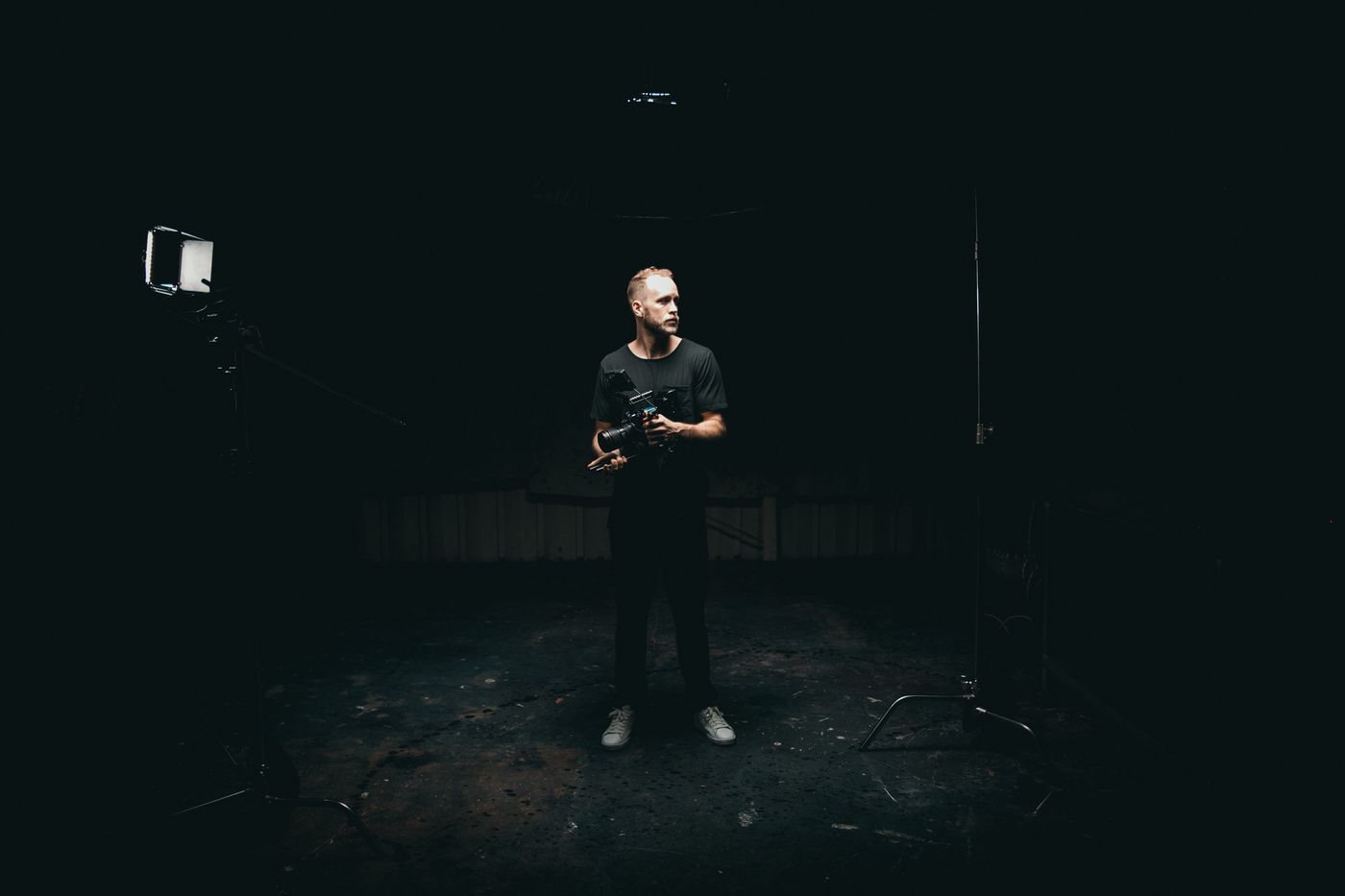
4) Planning topics and content map

Wrap up
A YouTube stall is usually a signal issue, not a talent issue.
Fix the click first. Then fix the first 30 seconds. Then fix the topic selection. And only then worry about extra distribution or boosting.
If you want, tell me:
- your niche
- your last 3 video titles
- what your CTR and average view duration look like
And I’ll point to the one thing I’d fix first.
Related articles
More from the Flopey blog.

Shadowbanned or Just Bad Content? How to Tell Fast
You post. You wait.

Stop Buying Followers? When It Actually Hurts You
Let’s just say the quiet part out loud.

The Fastest Way to Kickstart a New TikTok Account
Starting a new TikTok account is weirdly brutal.